.jpg)
Running a medical practice involves much more than consultations. There are appointments to manage, patient records to maintain, prescriptions to prepare, payments to track and follow-ups to coordinate.
When your practice is small, a basic system or even a combination of different tools may seem sufficient. But as patient volumes grow, more staff get involved and administrative tasks increase, those same tools can start slowing your team down.
You may find yourself switching between multiple applications, searching for patient records, manually entering information or spending time after consultations completing documentation.
Your practice may not need more software. It may need a better-connected system.
Here are seven signs that it may be time to upgrade your medical practice management software.
Think about your everyday workflow:
Appointment → Consultation → Prescription → Billing → Payment → Follow-up
If every step happens in a different application, your team spends valuable time switching between systems, entering information repeatedly and keeping track of multiple logins.
This can result in duplicate data entry, scattered information and unnecessary administrative work.
A modern practice management system should connect these workflows instead of adding another standalone tool.
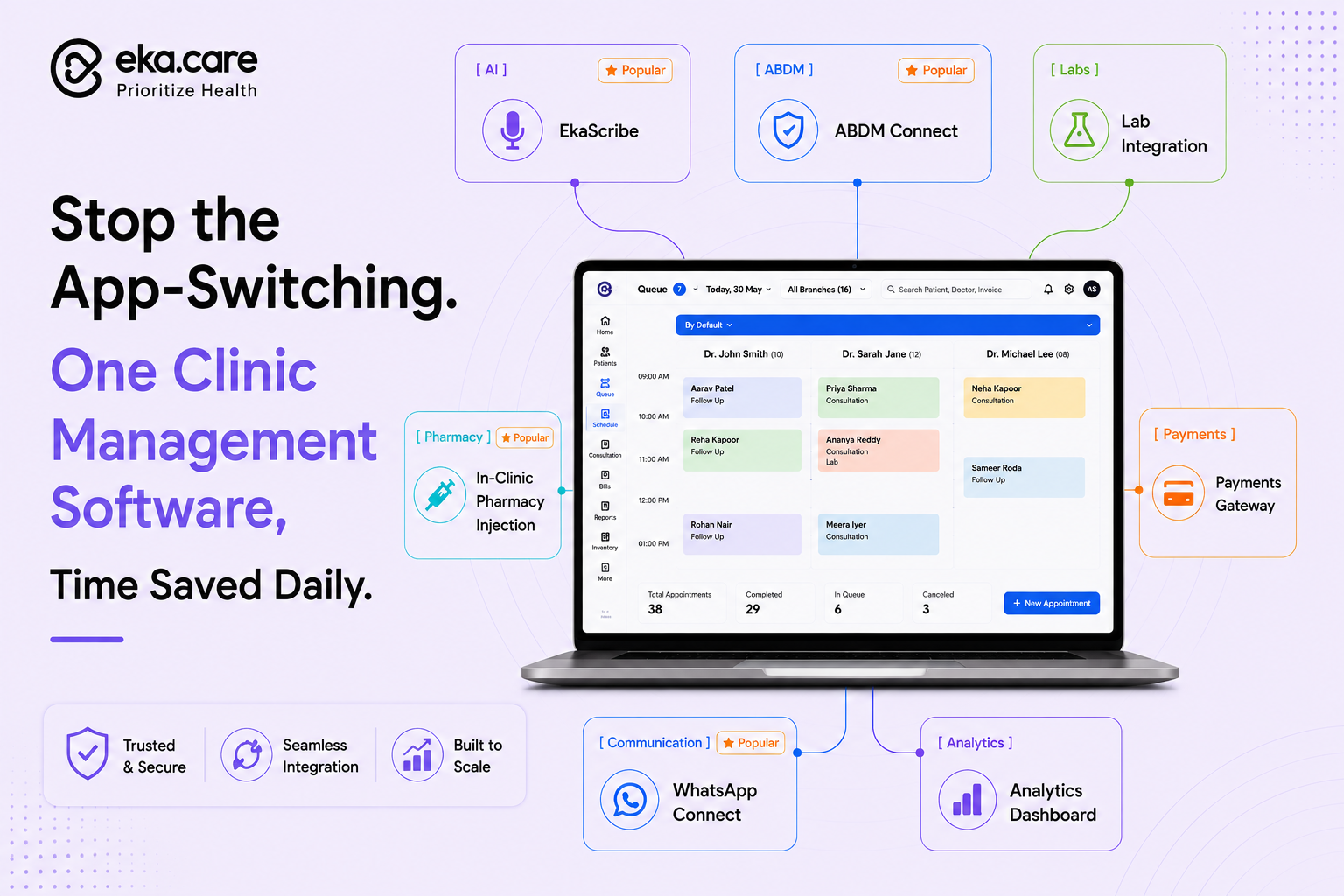
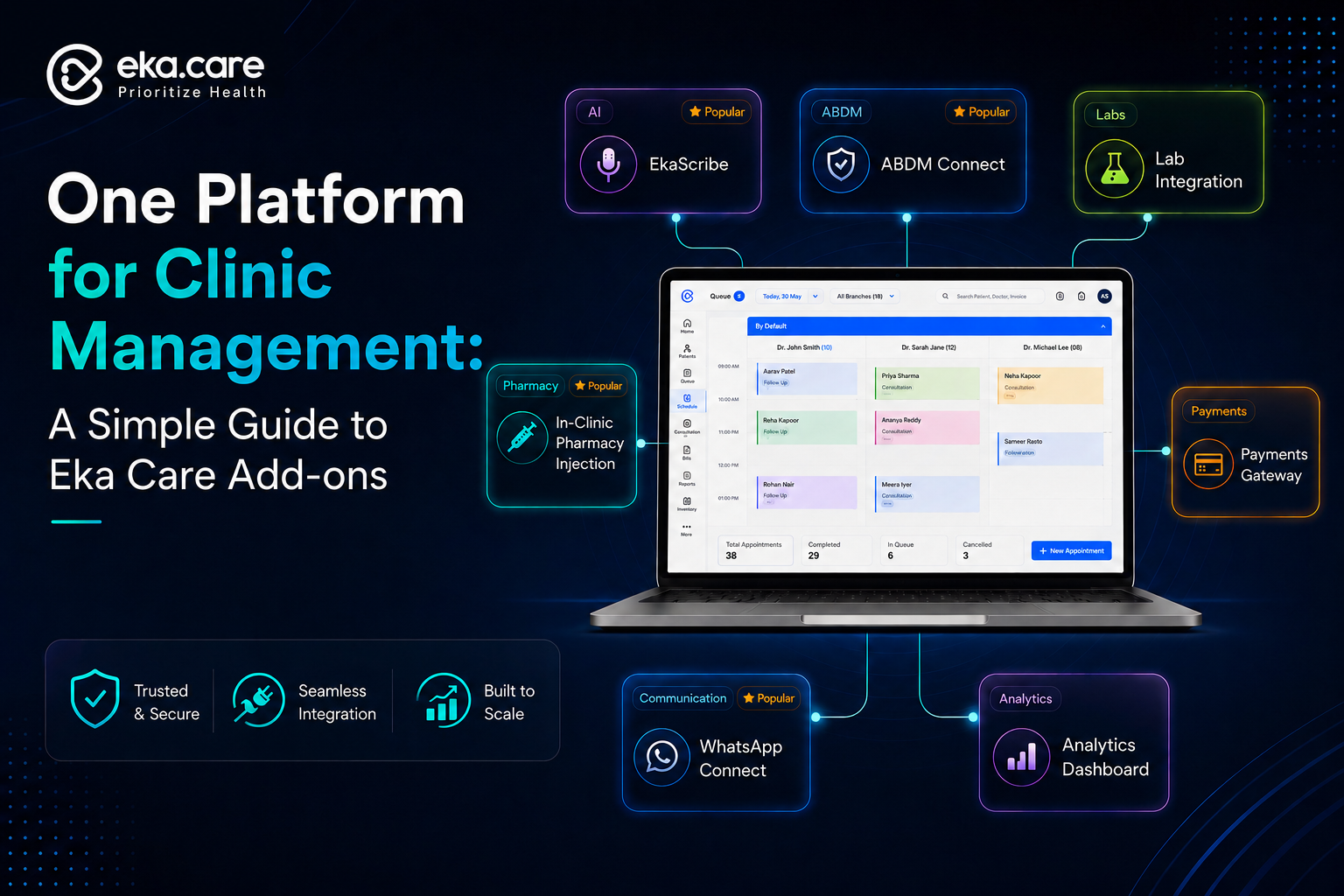
EkaCare brings key practice workflows together, including appointment management, patient records, digital prescriptions, billing, follow-ups and practice analytics.
As your patient base grows, paper files, spreadsheets and scattered digital records become increasingly difficult to manage.
If your staff regularly spends time searching for previous records or entering the same patient information again, your current system may be holding your practice back.
A modern EMR should make patient information easy to access and organize, with structured records, clinical documentation, patient history and digital prescriptions.
EkaCare is designed to give doctors a connected view of patient information, including features such as global patient search, appointment history, data migration and access to previous medical information.
The patient has left. The consultation is over. But the work isn't.
Doctors may still need to type clinical notes, update records and prepare prescriptions—sometimes extending documentation work beyond consultation hours.
This is where an AI medical scribe can make a difference.
EkaScribe listens to the consultation and converts the conversation into structured clinical documentation, including SOAP notes, clinical notes, summaries and prescriptions. Doctors can also use custom templates and review the generated content before using it.
Instead of:
Consult → Remember → Type → Format → Save
the workflow can become:
Consult → Capture → Generate → Review → Save
EkaScribe also supports multiple languages and is designed to recognize clinical terminology across different languages and accents.
Billing shouldn't feel like a separate process after every consultation.
When clinical information and billing are handled in different systems, staff may need to enter information more than once, reconcile payments manually and track outstanding amounts separately.
An integrated workflow can make it easier to move from:
Appointment → Consultation → Billing → Payment
EkaCare includes billing and due-payment management alongside appointment and clinical workflows, helping practices keep operational information connected.
Follow-up care becomes harder to manage as the number of patients increases.
If your team relies on spreadsheets, separate lists or manual reminders, it becomes easy to miss appointments or spend unnecessary time coordinating them.
Your practice management software should help you schedule appointments, maintain patient history and automate follow-up communication.
EkaCare supports automated follow-up reminders and patient communication, including appointment reminders and digital prescription sharing.
Your software may contain plenty of information; but can you actually use it?
Can you quickly see:
If answering these questions requires exporting spreadsheets and manually analyzing them, your software may not be giving you enough value from your data.
Modern practice management software should turn data into insights.
EkaCare provides practice analytics covering areas such as patient trends, appointments and revenue, helping doctors get greater visibility into their practice.
Perhaps the biggest sign is simple: your practice has changed, but your software hasn't.
You may now have more patients, additional doctors, more staff, new services or a larger digital workflow.
Your software should be able to grow with you.
Before upgrading, ask:
If the answer is “no” to several of these questions, it may be time to reconsider your current setup.
A modern medical practice management system should go beyond storing patient information.
Look for a platform that offers:
Connected workflows - appointments, consultations, billing and follow-ups working together.
Digital patient records - structured and accessible patient information.
Faster documentation - AI-assisted tools that can reduce repetitive clinical documentation.
Integrated billing - fewer manual entries and easier payment tracking.
Patient engagement - appointment and follow-up communication.
Practice analytics - visibility into patient, appointment and revenue trends.
Scalability and integrations - software that can grow alongside your practice.
Upgrading your software shouldn't mean simply adding another application to your technology stack.
EkaCare EMR brings together essential practice workflows such as patient records, appointments, queue management, digital prescriptions, billing, follow-ups and analytics.
EkaScribe adds AI-assisted clinical documentation by turning doctor-patient conversations into structured notes, summaries and prescriptions, with customizable templates and support for multiple languages.
Together, they can help move your practice from disconnected, repetitive processes toward a more connected workflow.
Ask yourself:
- Are we using multiple apps for everyday practice management?
- Do patient records still involve significant manual work?
- Do doctors spend too much time documenting consultations?
- Is billing handled separately?
- Are follow-ups difficult to track?
- Do we lack useful practice analytics?
- Has our practice grown beyond what our current software can comfortably support?
If several of these sound familiar, your current software may no longer be keeping up with your practice.
The goal of upgrading isn't simply to get newer software. It's to create a workflow that gives your team less administrative work and more time to focus on patients.
Explore EkaCare EMR and EkaScribe to see how connected practice management and AI-assisted documentation can fit into your everyday clinical workflow.
1. When should a medical practice upgrade its management software?
A practice should consider upgrading when its current software creates more administrative work than it solves. Common signs include using multiple apps, manually managing patient records, spending too much time on documentation, disconnected billing, difficult follow-ups and limited practice analytics.
2. What should I look for in medical practice management software?
Look for software that connects key workflows such as appointments, patient records, clinical documentation, digital prescriptions, billing, follow-ups and analytics. It should also be easy to use, scalable and capable of integrating with other healthcare systems.
3. Can an EMR reduce the amount of manual work in a medical practice?
Yes. A well-designed EMR can centralize patient records, appointments, clinical documentation, prescriptions and billing, reducing repetitive data entry and the need to manage information across multiple systems.
4. How can an AI medical scribe help doctors?
An AI medical scribe can capture a doctor-patient consultation and help convert it into structured clinical documentation such as notes, summaries and prescriptions. The doctor can review the generated content before using it, helping reduce repetitive documentation work.
5. Can EkaCare EMR and EkaScribe work together?
Yes. EkaCare EMR is designed to manage core practice workflows, while EkaScribe supports AI-assisted clinical documentation. Together, they can help create a more connected workflow from consultation and documentation to patient records and other practice-management activities.